
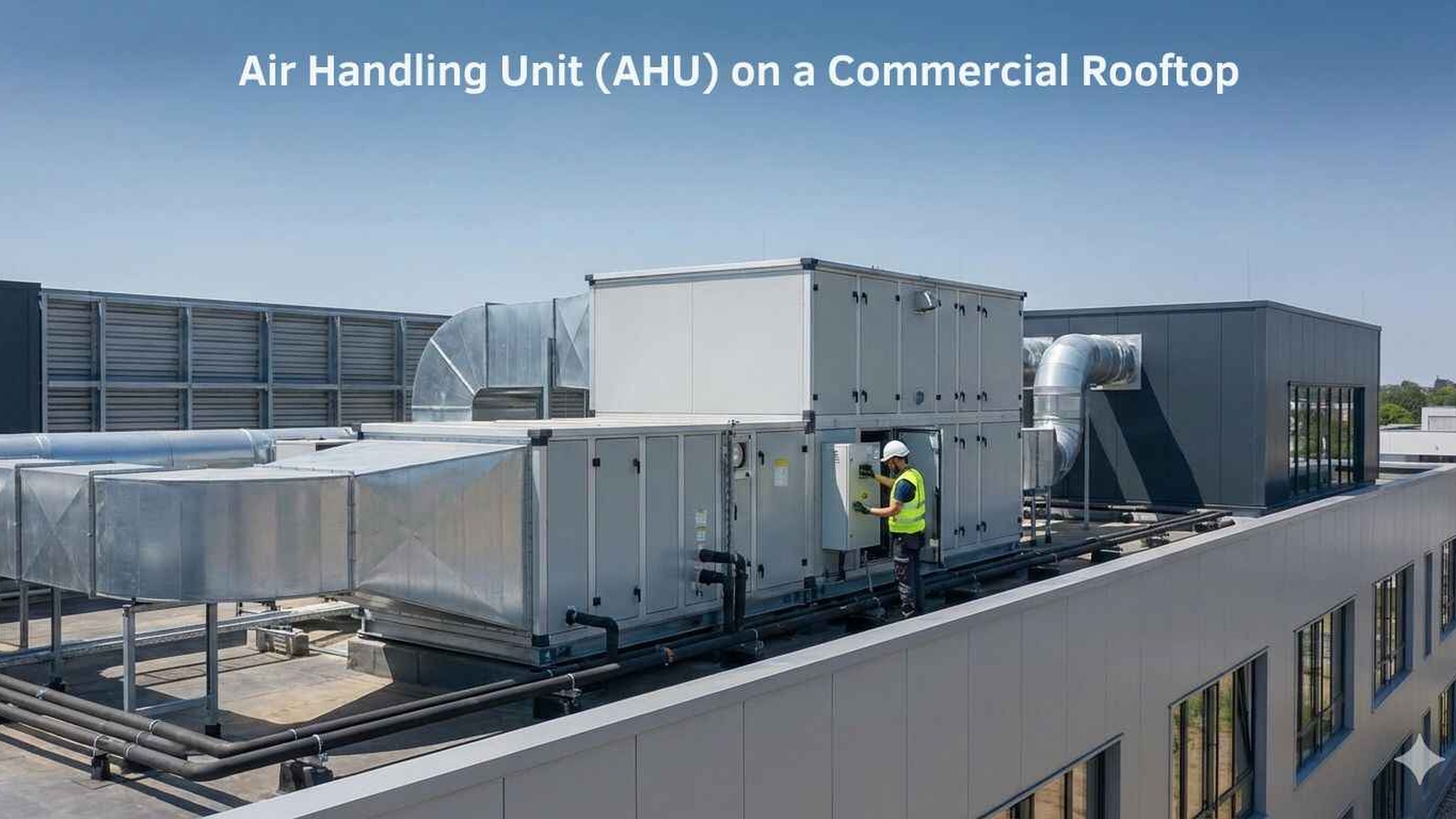
Creating an Asset Register for Every AHU, RTU and Fan Coil Filter Bank
If you manage air handling equipment across one building or many sites, the filter bank can quickly become hard to track. An asset register gives you one place to record the details that matter: what the unit is, what filters it takes, where it is located, and how it should be serviced. That makes it easier to order the right product, plan access, and keep records consistent when staff, contractors or buildings change.
Why an asset register matters
AHUs, RTUs and fan coil units often look similar on paper, but their filter arrangements can vary widely in the field. Some have simple panel filters, others use bag filters, pleated filters or pre-filter and final-filter combinations. Without a register, teams rely on memory, old work orders or handwritten notes that may not match the current setup.
A searchable register helps you:
- •identify the correct filter type before ordering
- •match the filter size to the actual frame or pocket arrangement
- •know where each unit is located, especially across multiple floors or buildings
- •understand how the filter bank is accessed for changeout or inspection
- •keep service notes together, including issues such as damaged frames, missing clips or restricted access
- •reduce confusion when different contractors service the same site
A well-kept register is also useful when a unit is replaced, reconfigured or moved. Instead of starting again, you can update the record and keep the site history intact.
What to record for each asset
The goal is to capture enough detail that someone else can service the unit without guessing. You do not need a complicated system to start. A spreadsheet, maintenance platform or shared register can work if the fields are consistent.
Core identification details
For each AHU, RTU or fan coil unit, record:
- •asset ID or tag number
- •building name, floor and room or plant area
- •equipment type, such as AHU, RTU or fan coil unit
- •manufacturer and model, if available
- •unit serial number
- •date installed or last major upgrade, if known
- •the department, tenant or area it serves
Include a clear location description that makes sense to the person on the tools. For example, “Level 3 east plant room, above corridor ceiling” is more useful than just “L3”.
Filter bank details
This is where the register becomes especially useful. Record the filter details for each bank separately if the unit uses more than one stage.
Useful fields include:
- •filter stage, such as pre-filter, main filter or final filter
- •filter type, such as panel, pleated, pocket or specialised product
- •dimensions in millimetres
- •quantity of filters in the bank
- •frame type and frame material, if known
- •gasket, seal or clip arrangement
- •airflow direction, if it matters for installation
- •whether the filter is standard or custom-made
If dimensions are uncertain, take a measurement from the actual frame or existing filter. Our guide on how to measure an air filter can help avoid ordering the wrong size.
Make access and servicing notes practical
A register is most valuable when it reflects the real conditions around the unit, not just the original drawing set. Access can change over time, and a filter bank that looked straightforward at commissioning may later become awkward due to ceiling works, stored materials or changed tenancy layouts.
Record how the unit is accessed
Note:
- •whether access is from a door, panel, ceiling space or roof area
- •if special tools, ladders or permits are needed
- •whether access requires shutdown or isolation
- •any clearance issues around the filter housing
- •whether there are fixed obstacles, locked doors or tight plant areas
These notes save time during service visits and reduce the chance of rushed work or missed inspections.
Add service observations
Keep a running history of what technicians find. A short note at each visit can be more useful than a long report that is hard to search.
Examples of helpful notes include:
- •filter frame damaged, needs repair before next changeout
- •access door stiff, check hinges and seals
- •filter size confirmed against old sample
- •dust load higher than expected for this area
- •pressure drop gauge fitted and reading noted
- •some filters are designed to be washable - check the product instructions before reuse
If you have gauges fitted, monitor pressure drop as part of your maintenance routine. Inspection frequency depends on the system, site conditions and dust load, and it is best to follow the filter and equipment manufacturer instructions.
Build the register so it is easy to search
A register only works well if people can find the right record quickly. The format should suit the way your team works, whether that is a spreadsheet, CMMS or asset management platform.
Use consistent naming
Choose a naming system and stick to it across the site. For example, use the same format for building, floor, plant room and asset number. Consistency matters more than complexity.
Avoid vague labels like “north unit” if several units could fit that description. Clear names make it easier to sort assets alphabetically, filter by building, or search by service area.
Use fields that can be filtered
A good register should let you sort by:
- •site
- •unit type
- •filter stage
- •filter size
- •access route
- •service status
- •next inspection note
That way, if you need to order replacement filters for several units at once, you can quickly see which sizes and types are required.
Link records to photos and drawings
Photos are useful for confirming access points, filter orientation and frame layout. If your system allows it, attach:
- •a photo of the unit nameplate
- •a photo of the installed filter bank
- •a photo of the access door or panel
- •a marked-up drawing showing the unit location
This is especially helpful for sites with multiple buildings or units spread across different levels.
Keep the register current across one site or many
The biggest challenge is not setting up the register, but keeping it current. A record that is updated only when something goes wrong will soon fall behind the reality on site.
Assign responsibility
Nominate one person or team to maintain the register, even if several contractors work on the equipment. That person does not need to do every update themselves, but they should control the format and check that service information is added consistently.
Update records after every change
Whenever a filter bank is altered, record:
- •the new filter type or size
- •any change to access arrangements
- •issues discovered during the visit
- •whether the old part was replaced, retained or modified
- •any follow-up work required
If a unit is upgraded or a space is repurposed, review the register straight away. Small changes can affect filter selection and access.
Use the register for planning
A good register helps with more than day-to-day servicing. It also supports procurement planning, tenant fit-outs, refurbishment work and discussions with your mechanical services engineer or building owner.
If you are working to site requirements such as AS 1668.2:2024, confirm the details with the relevant professional before making changes. The register should support decisions, not replace engineering advice.
Getting the right filters when the register is in place
Once your asset register is established, ordering becomes much easier. You can match the actual filter size, style and bank arrangement before placing an order, which reduces back-and-forth and helps avoid delays when a unit needs attention.
If a standard product does not suit the frame or space available, custom air filters may be the better option. You can also browse our products to compare common filter types for commercial and industrial systems.
Total Air Filtration can help you keep it organised
Total Air Filtration is a family-owned air filter manufacturer and supplier in Hillcrest, Brisbane QLD, established 2009. We can help supply the right filters for your asset register, or make filters to suit your equipment and site needs. Call 07 3800 3448 or request a quote to get started.
For ongoing support, you can also explore filter servicing or industries we supply if you manage multiple sites or sectors.
Written by
The Total Air Filtration Team
General information only — always follow the instructions for your filter and system. Have questions about this article? We're here to help.